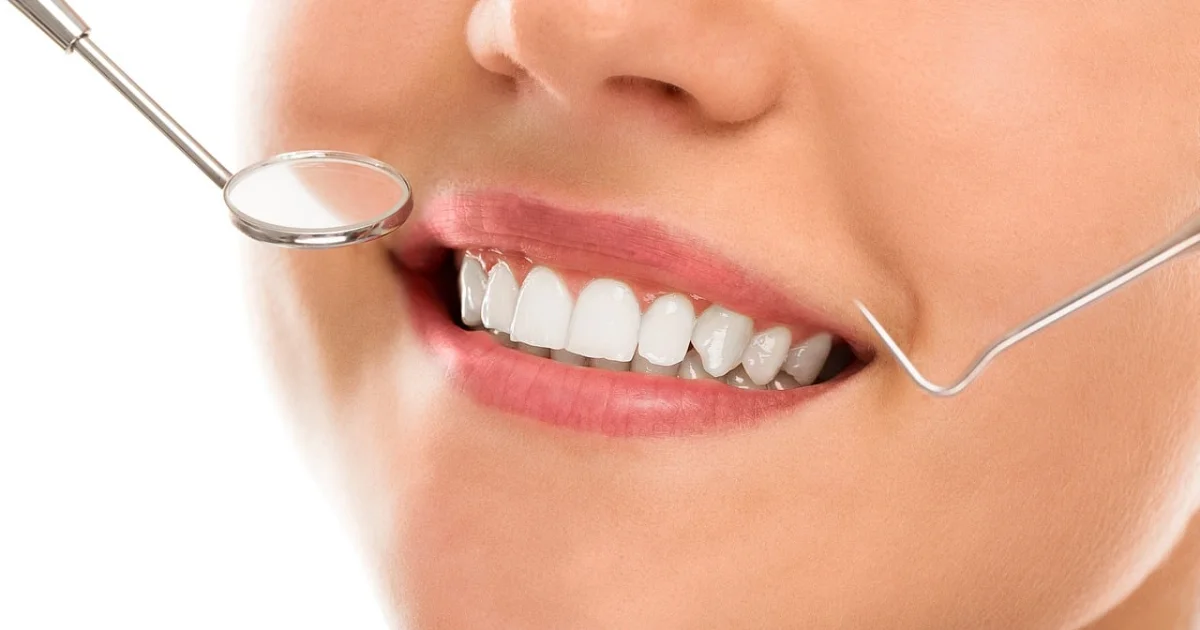
Use daylight, keep the camera steady and take a few simple views: the front of your teeth, both sides, and the upper and lower teeth. Sharp, unedited photos with your lips gently held back give a dentist the most to look at. This is general information, not individual advice.
Which photos are usually requested
- Smile, front view: teeth lightly together, lips relaxed in a natural smile.
- Front view with lips held back: so the teeth and the gum line are visible.
- Right side and left side: turn your head, or ask someone to hold the phone at an angle.
- Upper teeth: open wide and tilt the phone to see the biting surfaces.
- Lower teeth: the same from the other direction.
Your coordinator will tell you which views are useful for your question, so ask before you start.
How to take them
- Light: stand near a window in daylight. Avoid the flash, which can wash out colour and hide detail.
- Background: a plain wall helps the camera focus on your teeth.
- Distance: close enough to fill the frame with your teeth, with the camera still in focus. Tap the screen on your teeth to focus.
- Steadiness: rest your elbows on a table or ask someone to help.
- Clean teeth: brush first, so food and plaque do not hide anything.
- Lips and cheeks: hold them back gently with clean fingers, or use a clean spoon handle if that is easier.
What to avoid
- Filters, beauty modes and editing. They change shade and shape.
- Blurry or very dark images. Take a few and keep the sharpest.
- Photos taken from far away or from below the chin.
Photos are personal data
Photos of your mouth are health information. Ask how the images will be stored and who sees them, and read the privacy notice. Send them only through the channel your coordinator names, and ask to have them deleted if you change your mind.
Other things that help
- Recent X-rays or scans from your own dentist, if you have them.
- A short list of your medicines and allergies.
- A note about what bothers you: a missing tooth, colour, shape or a loose tooth.
What a remote pre-assessment can and cannot do
Photos let a dentist give a first opinion and a provisional plan. They are not a diagnosis, because some things cannot be seen in a photo. The plan is confirmed only after an examination in person, and your dentist decides what is suitable for you.
Questions to ask your coordinator
- Which views and how many photos do you need?
- How are my images stored, and for how long?
- Which X-rays are useful, and can I send digital copies?
- What will the first opinion cover, and what will it leave open until an examination?
Where we fit in
LetsDentalSmile is a licensed dental practice in Ümraniye, Istanbul. You can read about porcelain veneers and dental implants, or see how the remote pre-assessment and travel work.